

TechTrack
Keep track of your IT equipment and check it's all there. For schools, offices, studios and small teams.
For iPad.
The problem
Spreadsheets can't do audits.
Every school, office and studio has the same problem. There's a pile of laptops, cameras, chargers and cables, a spreadsheet that was last right two years ago, and an audit coming up.
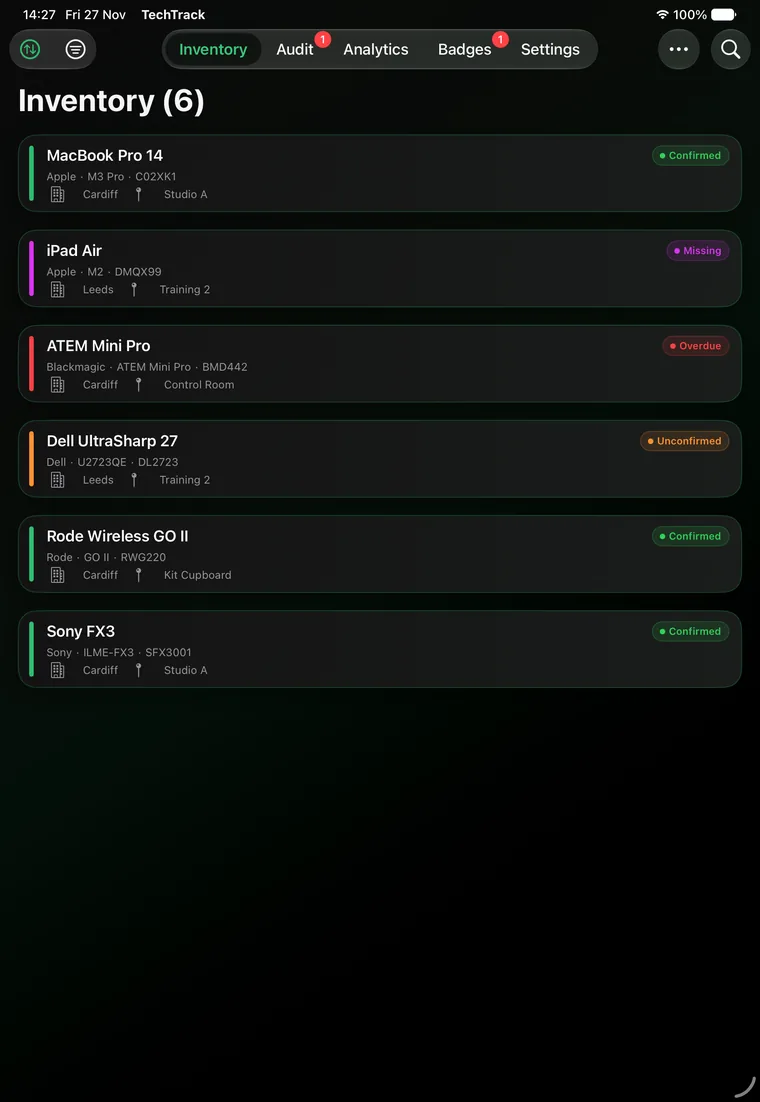
TechTrack gives you a proper record on an iPad. Scan each item, label it, find it, check it's all there, and prove it with a report. It works without the internet, because your equipment list is nobody else's business.
What it does
Features
Scan barcodes and QR codes
Find any item in seconds, or scan a whole room or trolley in one go.
A record for every item
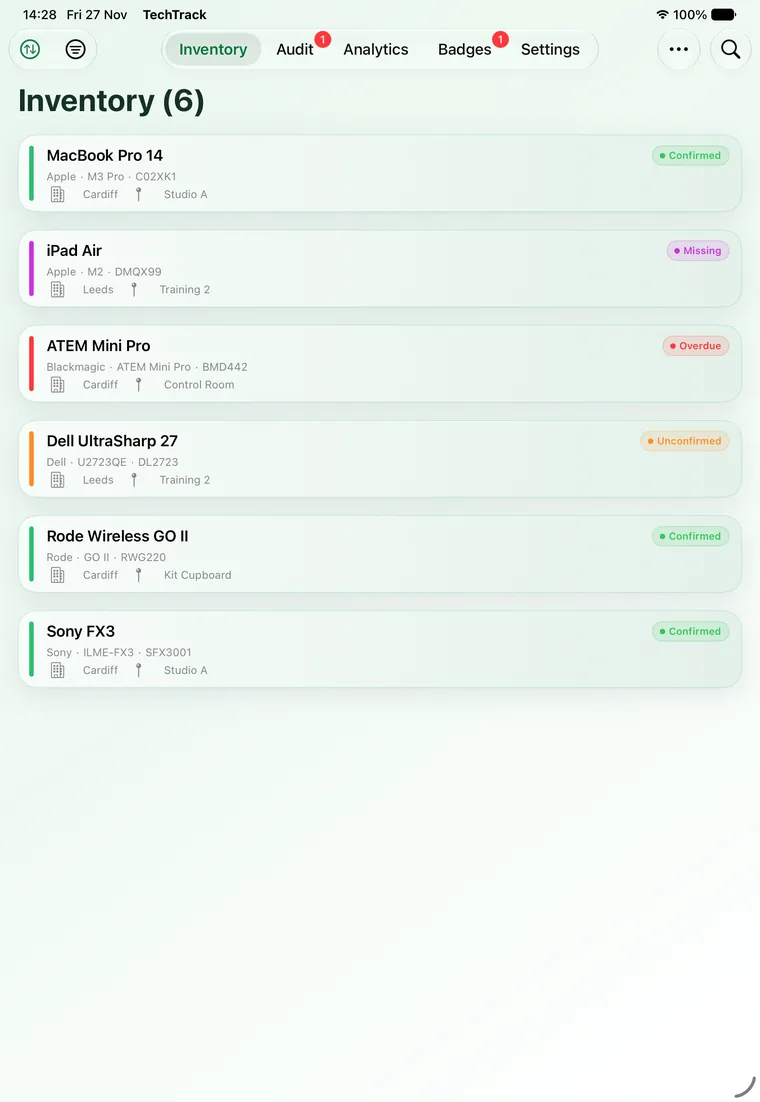
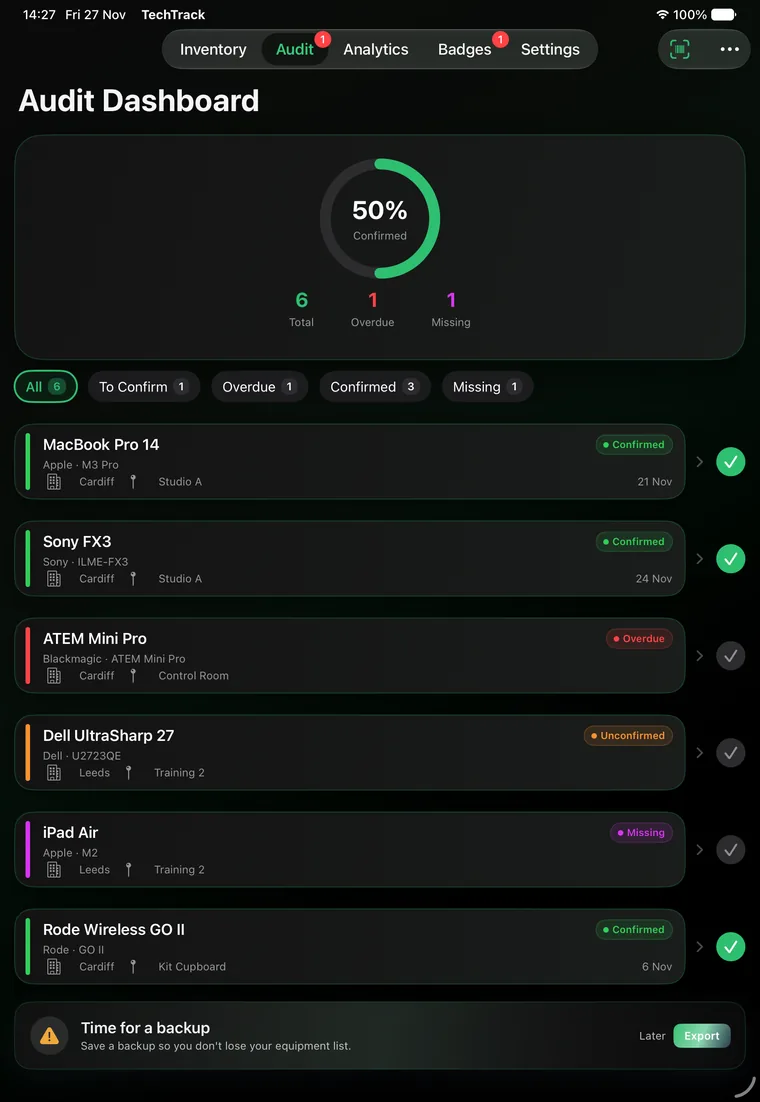
Keep serial numbers, locations, photos and notes together in one place.
Templates and bulk changes
Add similar items quickly from a template, and change lots of items at once.
Equipment checks (audits)
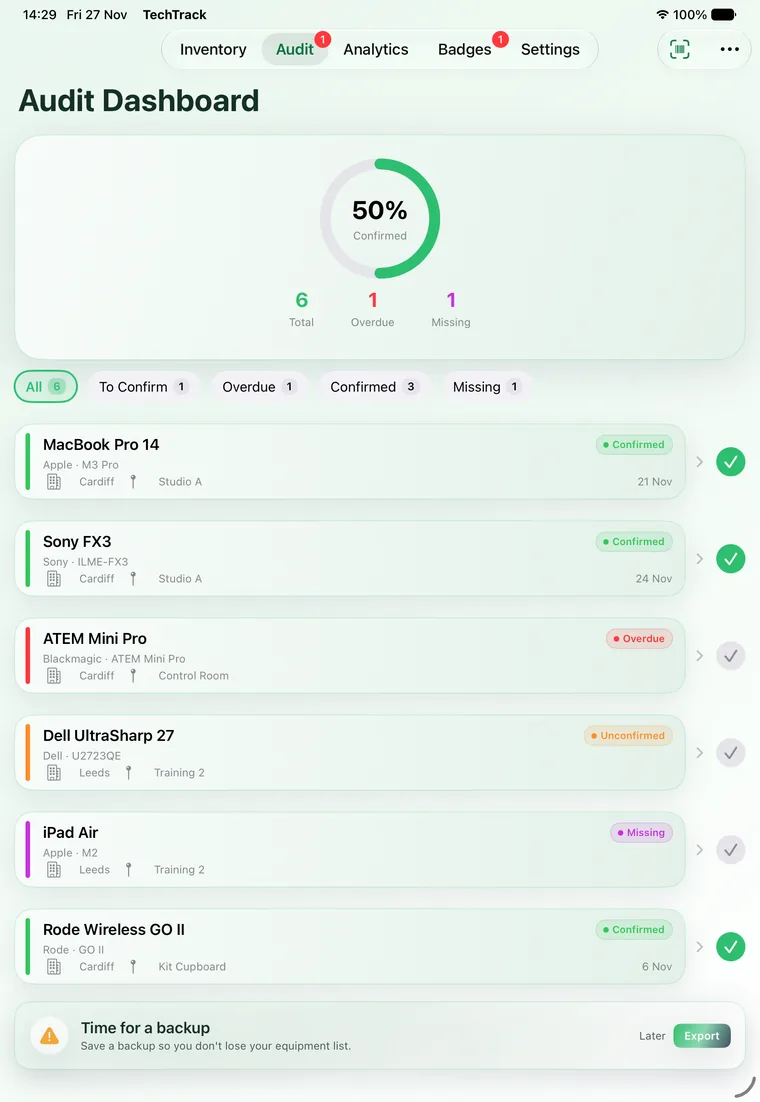
Check everything is where it should be, see what's missing, and keep a full history of every check.
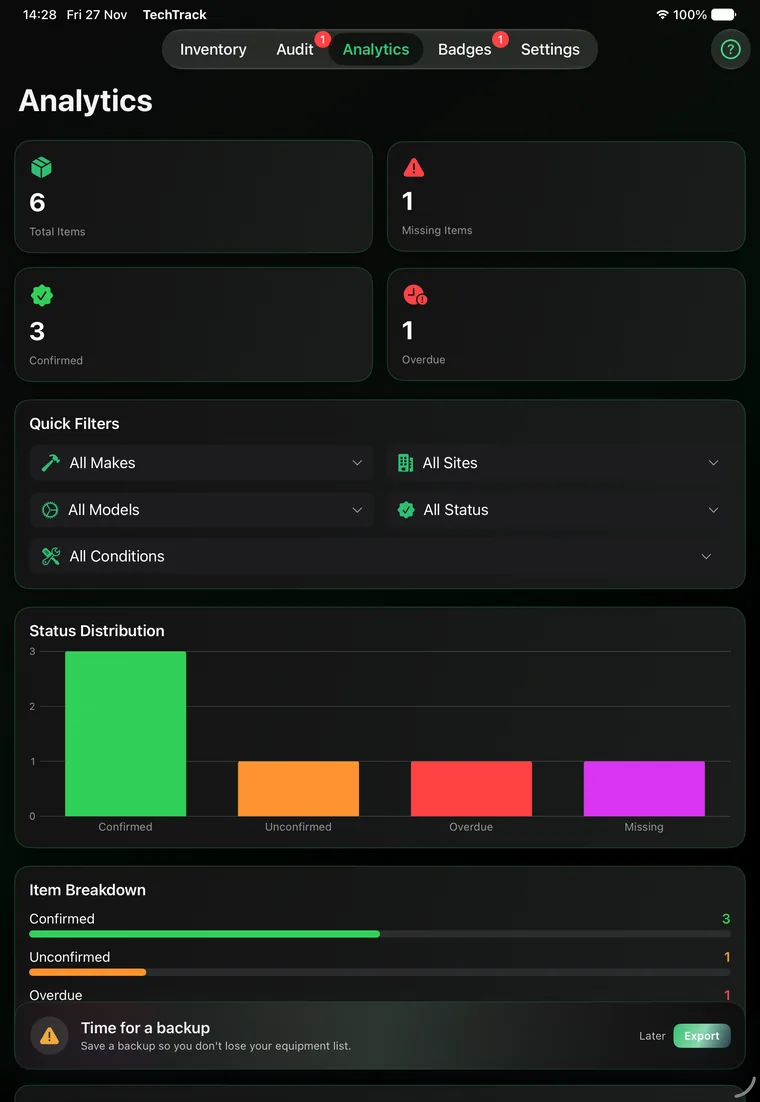
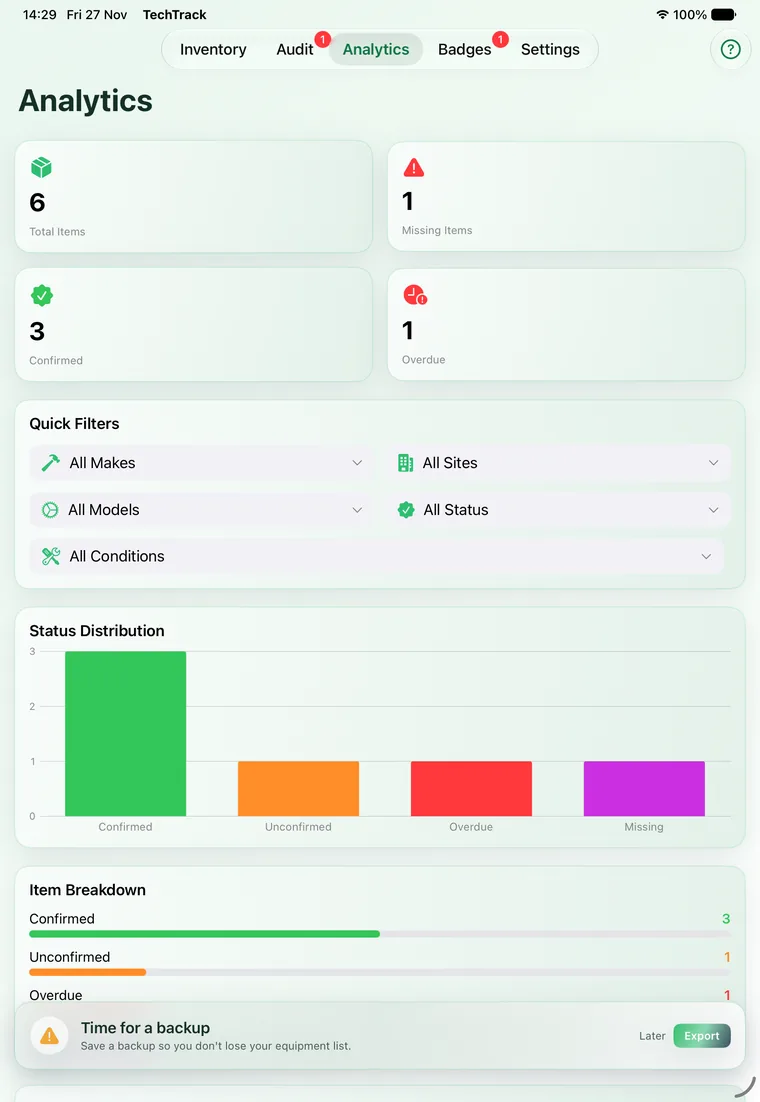
Reports
See the state of your equipment at a glance, and share a clear PDF report.
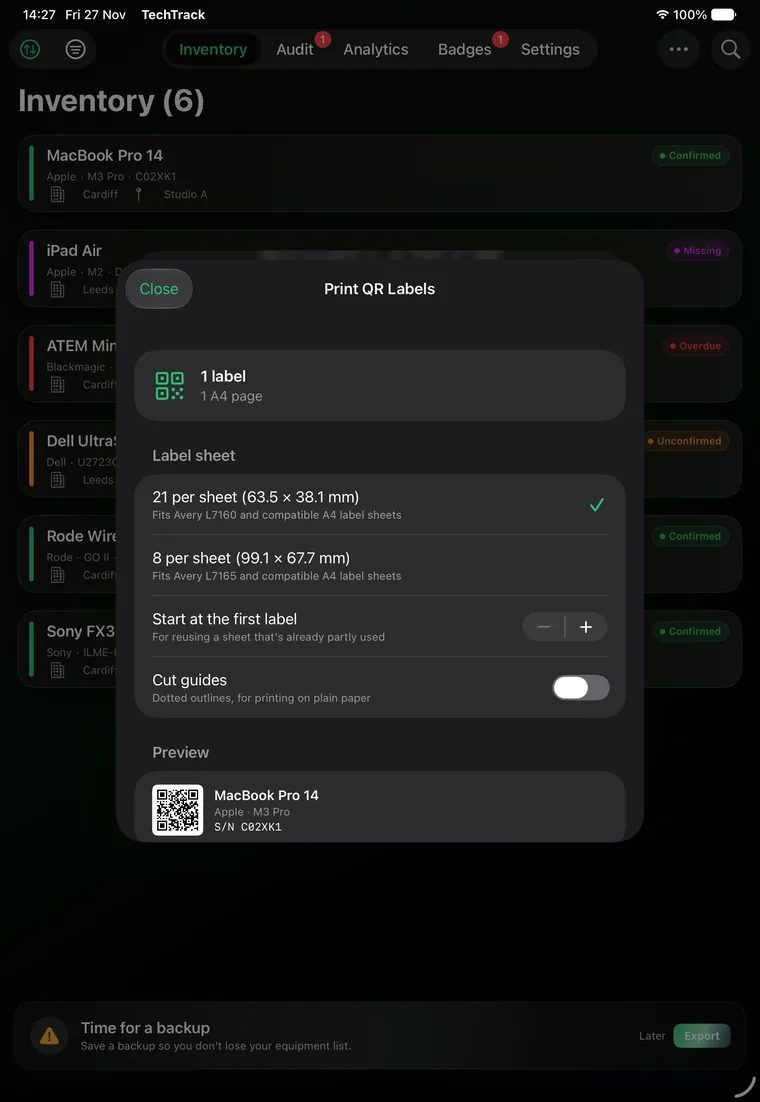
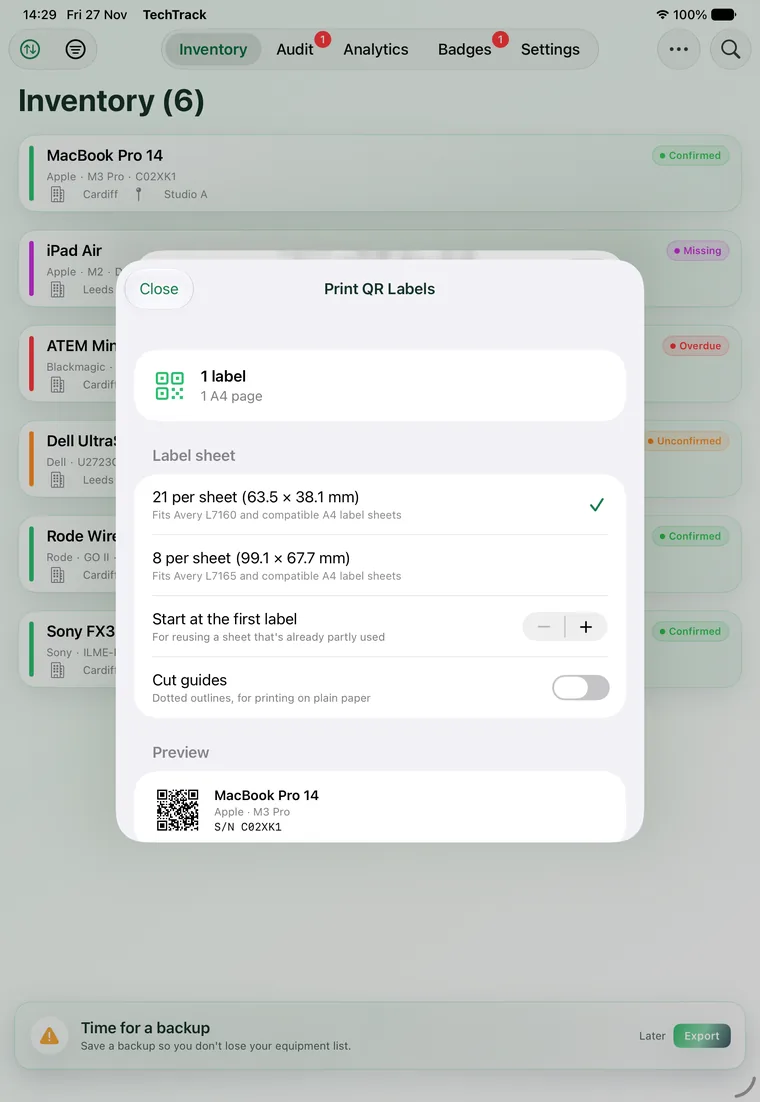
Print your own QR labels
Print QR labels on standard A4 label sheets, using any AirPrint printer.
Several users on one iPad
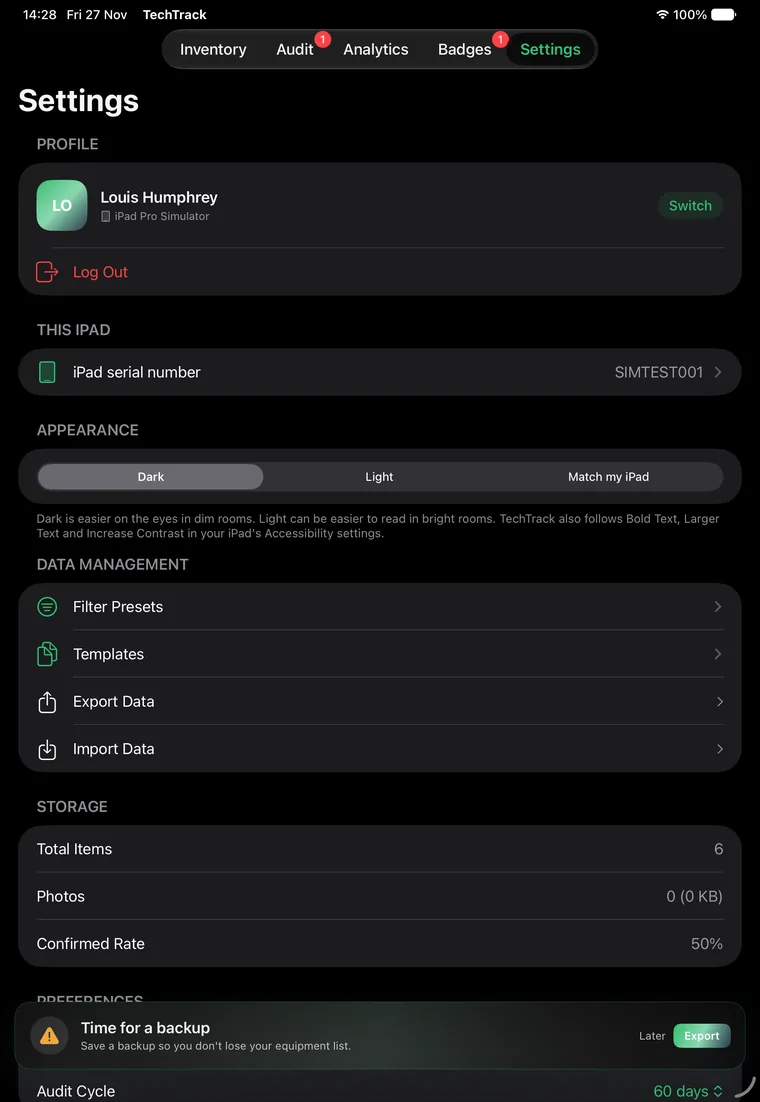
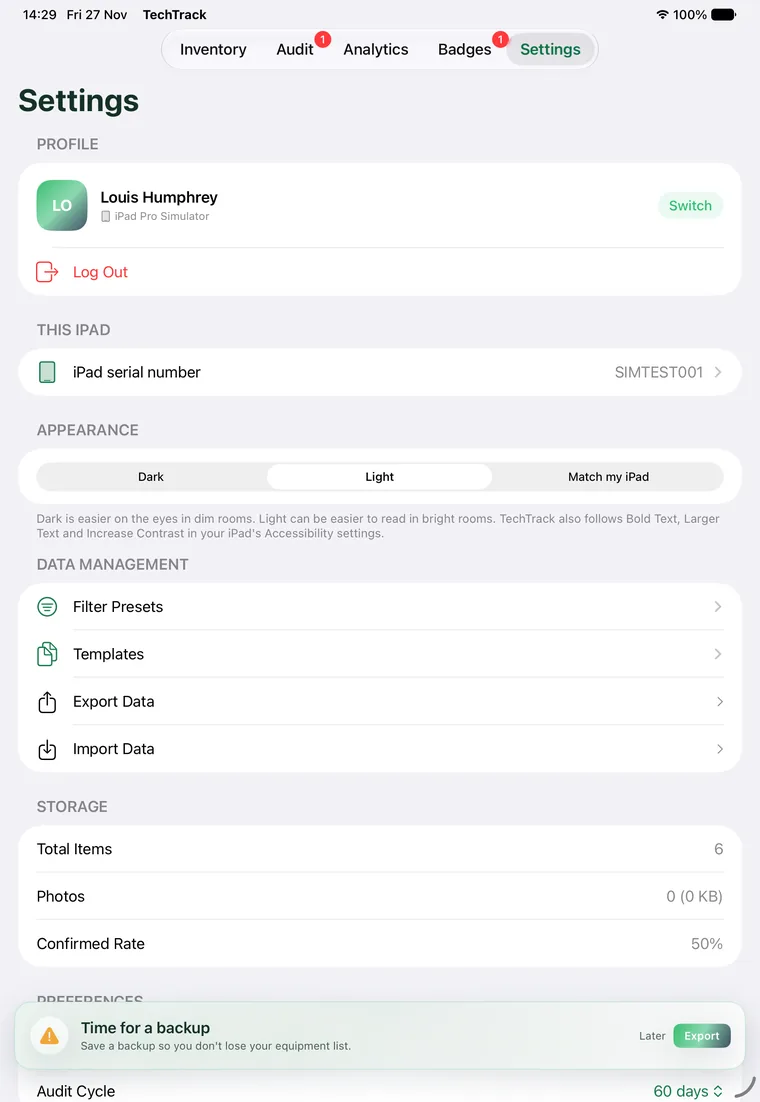
Each person who shares the iPad can have their own profile.
Export and back up
Export your data as a spreadsheet (CSV) or JSON file, or save a full backup and restore it later.
See it in action
Your data stays yours
- No account, no ads and no tracking.
- No cloud syncing. We left it out on purpose.
- The app never connects to the internet. Items, photos, check history and profiles stay on the iPad.
- Exports only leave the iPad when you choose to save or share them.
Requirements and price
- DevicesiPad
- NeedsiPadOS 26 or later
- PricePay once. No subscription and no in-app purchases.
- StatusComing soon to the App Store
Questions or problems? Visit Support or email [email protected].